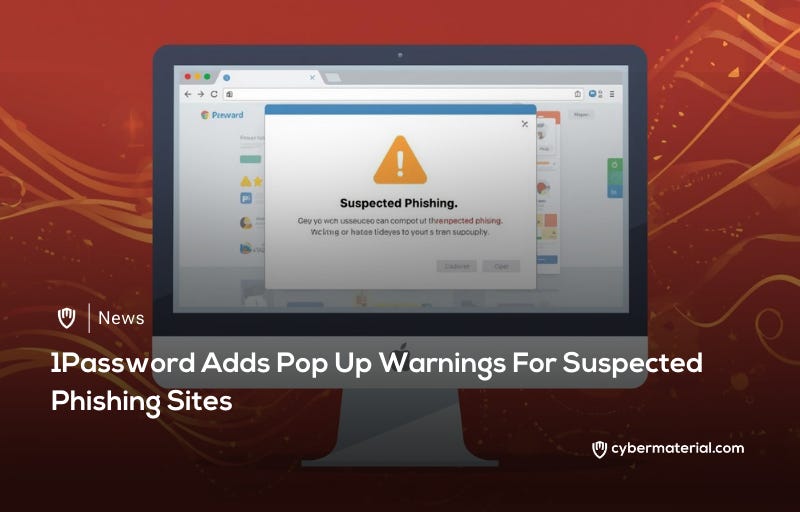
1Password has introduced a new security feature that proactively alerts users when they land on potential phishing websites. This update aims to prevent credential theft by warning users who might otherwise manually enter their information on deceptive or typosquatted domains.
The 1Password digital vault service has implemented a built-in protective layer designed to identify and flag malicious URLs. This enhancement focuses on helping users recognize dangerous pages before they accidentally share sensitive account credentials with cybercriminals. By adding this proactive alert system, the service strengthens its defense against sophisticated phishing tactics that often trick even the most cautious individuals.
As a widely adopted tool in professional settings, 1Password is frequently used by major organizations to manage enterprise security. The platform recently expanded its capabilities by integrating native passkey management for Windows users, reflecting its commitment to modern authentication standards. This new phishing protection serves as a critical extension of its existing security suite for both individual and corporate clients.
Standard password managers typically provide a baseline level of protection by refusing to autofill credentials on websites that do not match the stored URL. However, this passive defense is not always enough to stop a determined user from making a mistake. Some individuals may assume a technical glitch is occurring when their data does not automatically appear and might proceed to type their password manually.
The developers at 1Password acknowledge that relying solely on autofill behavior leaves a significant security gap, particularly regarding typosquatted domains. These are malicious sites that use slightly misspelled or visually similar addresses to mimic legitimate services. When a page looks authentic, it is very easy for a person to overlook a minor character difference in the browser address bar and compromise their account.
To solve this problem, the software now triggers a visible pop-up warning if a user visits a site flagged as a phishing risk. This extra layer of security is intended to break the user's flow and provide a clear moment of caution. By explicitly highlighting the danger of suspicious domains, the tool helps ensure that a simple typo does not lead to a major security breach.
Source: 1Password Adds Pop Up Warnings For Suspected Phishing Sites


